How it works
How to book a house cleaner online.
Your next clean, sorted from one simple app. Post what you need, compare police-checked local cleaners and confirm the details directly. No quote chasing, no call-backs and no uncertainty.
Get the free Ousie app



Scan with your phone
- Post in a few taps
- Compare verified cleaners
- Chat and manage in-app
- Police-checked
- Book in minutes
- Secure payments
01 — Your booking journey
Four clear steps. You stay in control of every one.
Ousie keeps the job details, cleaner applications and conversation together, so you always know what happens next.
- 01
Create your free account
Download Ousie, choose the homeowner option and set up your account in under a minute. No credit card is required.
Step 1 of 4

- 02
Post the clean you need
Add your suburb, service, hours and preferred time. Your choices create one clear job post for local cleaners.
Step 2 of 4

- 03
Compare verified applicants
Review police-checked cleaner profiles, ratings and completed jobs, then choose the person who feels right for your home.
Step 3 of 4

- 04
Chat, confirm and relax
Agree on the details directly, keep every update in one conversation and manage payment securely once the job is done.
Step 4 of 4

Your first post is free and takes less than a minute.
Review every detail before anything is confirmed.
02 — Manage it all
Every clean, managed from your pocket
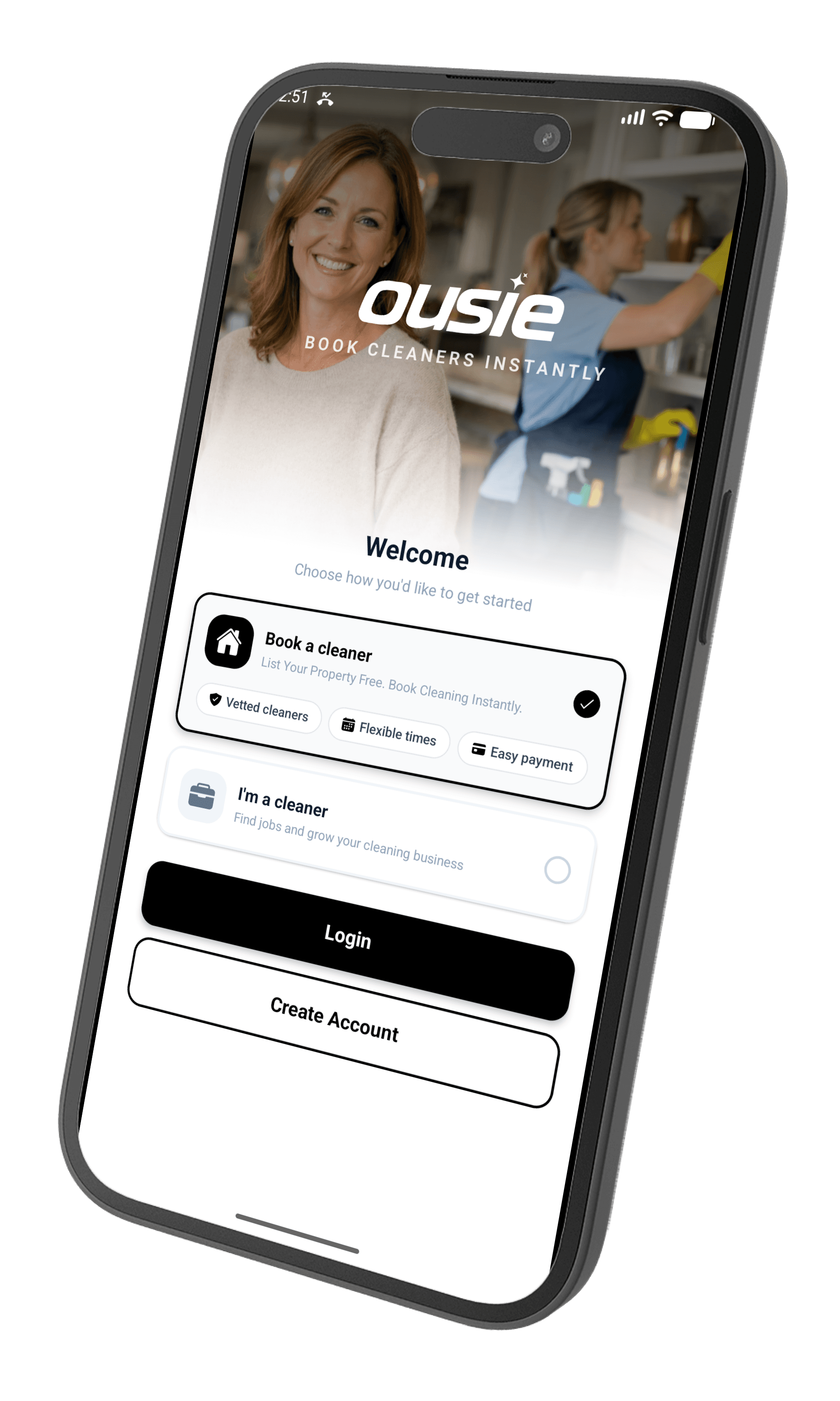
Download the Ousie app to post your clean, choose from local cleaners who apply, track appointments and message your cleaner directly — all from the palm of your hand.
Scan with your phone
02 · Start

Maria is ready to start
Approve in the app
01 · Book
Booking confirmed
Thu · 3 hr clean
03 — Common questions
Frequently asked questions
Quick answers on booking, services and cleaner matching.
Still deciding on the right service?